

Insights · Websites
Dental Website Design That Turns Visitors Into Booked Patients
 Dr. Anissa Broussard, DMD
Founder, Digital Floss ·
· 7 min read
Dr. Anissa Broussard, DMD
Founder, Digital Floss ·
· 7 min read
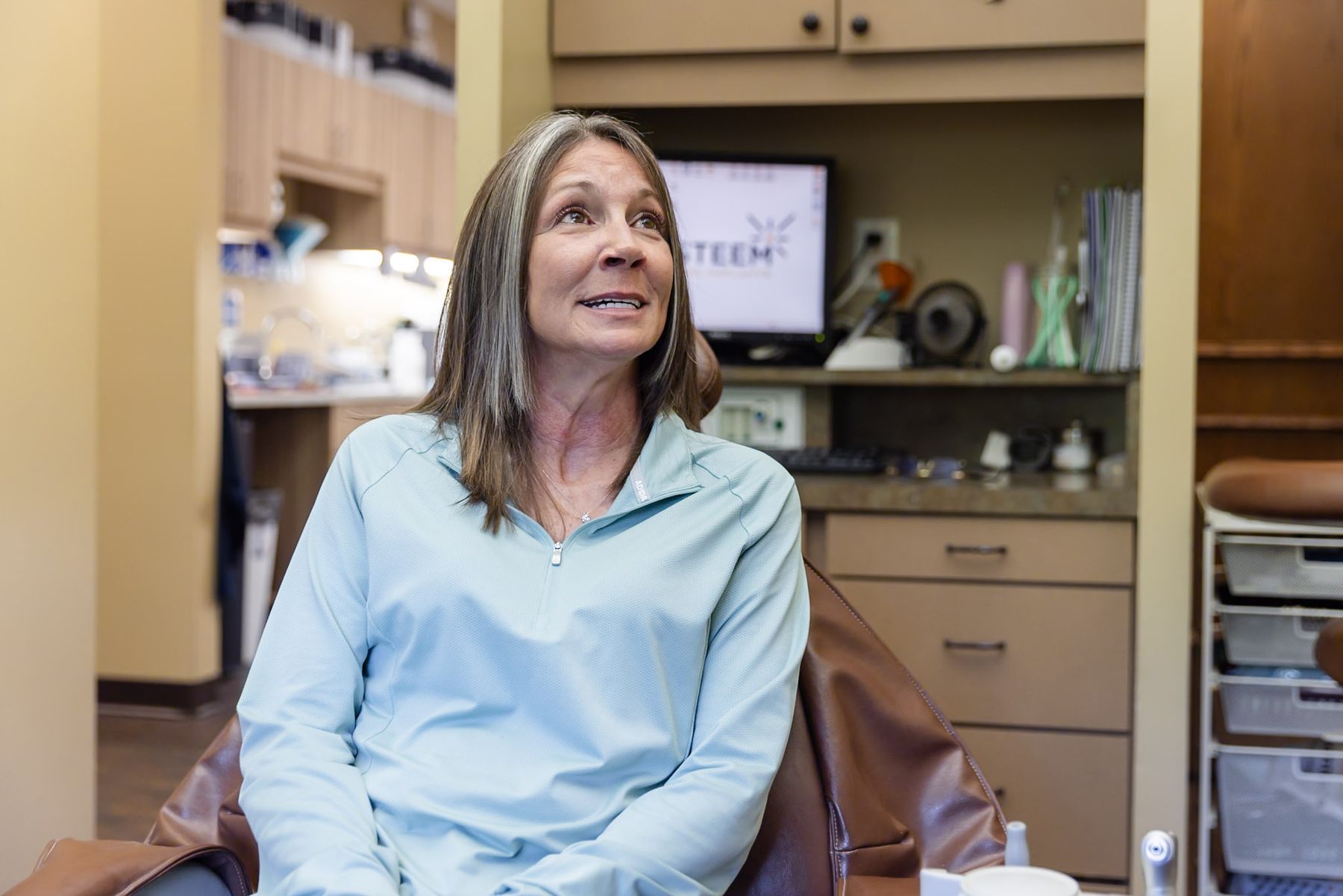
A good dental website loads fast on a phone, shows the real doctor and team, gives every major procedure its own page, and makes booking possible in a tap or two. It also has to work for patients with disabilities and be easy for Google and AI answer engines to read. Get those pieces right and the design itself starts doing the work of your front desk.
Feeling like your website isn't pulling its weight
Most dentists I talk to know their website could be better but can't say exactly what's wrong. It looks fine on the big monitor in the office, and that's not where patients see it.
Pew Research Center reports that 91% of US adults own a smartphone ( Pew Research Center). Your next patient is most likely holding your website in one hand, deciding in a few seconds whether you feel like the right fit.
That first impression is something you can design on purpose. Here's what I look for, after 20 years in the chair.
Making the site fast on a phone
Speed is where trust starts. A page that stalls or jumps around feels careless, even when the dentistry behind it is excellent.
Google measures this with three Core Web Vitals, judged at the 75th percentile of real page loads on mobile and desktop ( web.dev):
| Metric | What it measures | "Good" mark |
|---|---|---|
| Largest Contentful Paint (LCP) | How fast the main image or headline appears | 2.5 seconds or less |
| Interaction to Next Paint (INP) | How fast the page responds to a tap | 200 milliseconds or less |
| Cumulative Layout Shift (CLS) | How much the layout jumps while loading | 0.1 or less |
Google says good Core Web Vitals align with "what our core ranking systems seek to reward" ( Google Search Central). So a faster site helps twice — patients stay, and search engines notice.
The usual culprits are oversized photos, uncompressed video headers and old plugins. Ask your web team for the Core Web Vitals report in Google Search Console, not a score from one test.
Showing your real practice, not stock photos
Patients are choosing a person to trust with their smile, their kids and sometimes their fear. A stock photo of a smiling model tells them nothing about you.
Nielsen Norman Group's eyetracking research found that users ignore stock photos of generic people but pay close attention to images that carry real information, like photos of the actual staff ( Nielsen Norman Group). On one site in that study, people spent more time looking at team portraits than reading the bios beside them.
On a dental website, that means:
- Your doctor and team, photographed in your office, so patients recognize the faces when they walk in.
- Your real rooms, from the waiting area to the view from the chair.
- Short video of the doctor talking about how you care for a nervous patient.
- Real before-and-after cases, shared only with the patient's written permission.
Never use a photo of a team member who has left, and never present stock images as your practice. Patients notice.
Telling the doctor's story
Patients want to know who you are before they book, and your About page is where they go to find out. Make it a story, not a résumé.
Share why you became a dentist, what you love about your work, and what patients can expect from you in the chair. Credentials belong on the page too, and they land better once the reader feels like they've met you.
Giving every procedure its own page
Someone searching for dental implants has different questions from a parent looking for a pediatric dentist. One "Services" page with a bulleted list can't answer either well.
Each high-value procedure should have its own page that:
- Opens with a two-to-three-sentence answer: what the treatment is and who does it.
- Walks through what to expect in plain language.
- Answers front-desk questions about comfort, time and recovery.
- Shows real cases where you have consent, and ends with a way to book.
These pages also carry most of your search weight (see SEO for dentists), and they're where Google Ads traffic should land.
Making booking easy
Every page should make the next step obvious. On a phone, that means tap-to-call and booking buttons within easy reach of the thumb.
If you offer online scheduling, put it front and center. If you book by phone, make the number impossible to miss and make sure someone answers it. A contact form that sits unanswered for a day sends patients to the next practice on the list.
Building for accessibility from the start
Accessibility means a patient who uses a screen reader, magnifies text or can't use a mouse can still book a visit. It's also a legal question: the Department of Justice has long held that the ADA applies to what businesses open to the public offer on the web ( ADA.gov). More than 5,000 ADA website lawsuits were filed in 2025, per UsableNet's year-end report as cited by law firm Fox Rothschild ( Fox Rothschild).
Most sites still miss the basics. WebAIM's 2026 scan of the top million home pages found these common failures ( WebAIM):
| Failure | Share of home pages |
|---|---|
| Low-contrast text | 83.9% |
| Missing image alt text | 53.1% |
| Missing form labels | 51% |
| Empty links | 46.3% |
| Empty buttons | 30.6% |
Every one is fixable in the build. Ask any website company to commit to WCAG 2.1 AA in writing, and be wary of plug-in "overlays" sold as an instant fix.
Helping Google and AI read your site
Search engines and AI answer engines look for clear structure and plain facts. Two things help most:
- Structured data.
Schema.org's
Dentisttype tells machines your name, address, phone and hours in a format they understand ( Schema.org). Google says local business structured data can help pages appear in a unique search result ( Google Search Central). - Quotable answers. Short, direct answers at the top of each page and real FAQs give AI tools clear lines to lift.
BrightLocal's 2026 survey found 45% of consumers now use ChatGPT and similar tools for local business recommendations ( BrightLocal). More in AI search for dentists.
Putting reviews where patients can see them
Reviews do much of the persuading before a patient reaches your site. BrightLocal found that 97% of consumers read reviews for local businesses, and 54% visit a business's website after reading positive ones ( BrightLocal).
So show them more of the same: real reviews near the booking buttons, a link to your Google profile, and recent ones first, since 74% of consumers in that survey look for reviews from the last three months.
A dental website checklist
| Area | What a good site does |
|---|---|
| Speed | Meets Core Web Vitals "good" marks on mobile |
| Mobile | Tap-to-call and booking buttons always in reach |
| Photos | Real doctor, team and office; no stock presented as the practice |
| Video | At least one short video of the doctor speaking |
| Doctor story | A warm, specific About page with credentials |
| Procedures | One page per high-value treatment, each with a direct answer and FAQs |
| Booking | Online scheduling or an always-answered phone number on every page |
| Accessibility | Built to WCAG 2.1 AA; contrast, alt text and form labels checked |
| Structured data | Dentist
schema with name, address, phone, hours and services |
| Reviews | Recent reviews shown near booking, linked to your Google profile |
| Tracking | Calls and form fills tracked to booked appointments |
What a dental website costs
I won't quote a price range, because I haven't found a source I'd trust and practices vary too much. What drives the cost is easier to pin down: custom design versus a template, how many procedure pages you need, whether photos and video are shot in your office, who writes the copy, and whether accessibility and structured data are built in or bolted on later.
Compare quotes on those line items, not just the total. A cheaper site that needs an accessibility rebuild next year isn't cheaper.
Choosing a dental website design company
Ask any company you're considering for live sites they've built for practices, and open them on your phone during the call. Ask whether they'll shoot your photos and video, what accessibility standard they build to, and who owns the site if you leave. My guide on how to choose a dental marketing agency has more questions.
At Digital Floss, we build Signature Story Sites: custom websites around your practice's real story, with photos and video our crew films inside your office, built to WCAG 2.1 AA. Whoever you hire, the test is the same: would you be proud to text the link to a new patient?
Frequently asked questions
What should a dental website include?
A dental website should include fast mobile pages, real photos and video of your doctor and team, a warm About page, one page for each major procedure, and clear booking on every page. It should also meet WCAG 2.1 AA accessibility, carry Dentist structured data, and show recent patient reviews close to the booking buttons.
What makes the best dental websites stand out?
The best dental websites feel like the practice itself. They load quickly on a phone, show the real people patients will meet, and answer the questions nervous patients actually ask. They make booking simple, work for patients with disabilities, and give search engines and AI tools clear facts about the practice, its services and its location.
How much does a dental website cost?
Costs vary too widely for a single honest number. Price depends on custom design versus a template, the number of procedure pages, whether photos and video are shot in your office, who writes the copy, and whether accessibility and structured data are included. Compare quotes line by line, since skipped items often cost more later.
Does my dental website need to be ADA compliant?
The Department of Justice has long said the ADA applies to services businesses offer on the web, and more than 5,000 website accessibility lawsuits were filed in 2025. Building to WCAG 2.1 AA is the practical standard. It protects your practice and makes sure every patient can read your site and book a visit.
How often should a dental website be redesigned?
There's no fixed schedule. Plan a redesign when your site fails Core Web Vitals on mobile, shows team members who've left, can't be updated easily, or no longer reflects the care you offer. Between redesigns, keep photos, reviews and procedure pages current, since fresh, accurate content matters to patients and search engines.
Sources
- web.dev (Google), "Web Vitals": https://web.dev/articles/vitals
- Google Search Central, "Understanding Core Web Vitals and Google search results": https://developers.google.com/search/docs/appearance/core-web-vitals
- Google Search Central, "Local Business (LocalBusiness) structured data": https://developers.google.com/search/docs/appearance/structured-data/local-business
- Schema.org, "Dentist": https://schema.org/Dentist
- Pew Research Center, "Mobile Fact Sheet" (survey through June 2025): https://www.pewresearch.org/internet/fact-sheet/mobile/
- Nielsen Norman Group, Jakob Nielsen, "Photos as Web Content" (2010): https://www.nngroup.com/articles/photos-as-web-content/
- WebAIM, "The WebAIM Million" (2026): https://webaim.org/projects/million/
- U.S. Department of Justice, "Guidance on Web Accessibility and the ADA" (March 18, 2022): https://www.ada.gov/resources/web-guidance/
- Fox Rothschild, "ADA Website Lawsuit Trends: What 2025 Filings Mean for 2026" (citing UsableNet's 2025 year-end report): https://www.foxrothschild.com/events/ada-website-lawsuit-trends-what-2025-filings-mean-for-2026
- BrightLocal, "Local Consumer Review Survey 2026" (1,002 US adults): https://www.brightlocal.com/research/local-consumer-review-survey/